 RESTAURANT OPERATIONS
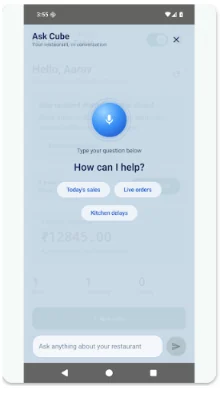
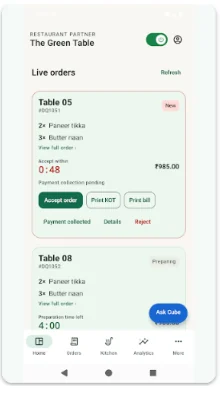
Restaurant Partner
Live orders, table context and the next action for your restaurant team.
Explore Restaurant Partner
Manage restaurant orders, assigned hotel requests and own-rider deliveries with three role-specific Android apps connected to DineQube dashboards.
RESTAURANT OPERATIONSLive orders, table context and the next action for your restaurant team.
Explore Restaurant Partner DELIVERY OPERATIONS
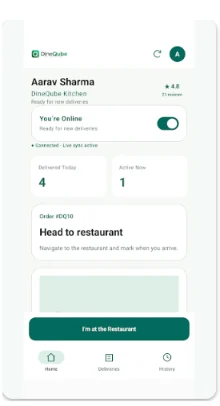
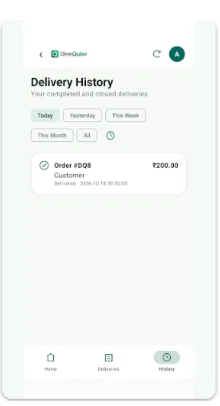
 HOTEL TEAM OPERATIONS
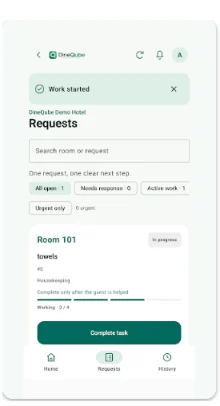
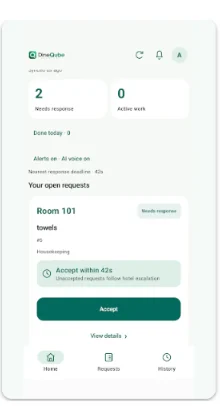
Room-wise guest requests and assigned work, right where your team needs them.
Explore Hotel StaffActual interface previews from DineQube app builds. Features and access depend on your plan, role and release availability.
PRACTICAL WORKFLOWS
The Restaurant Partner app supports restaurant operations, the Hotel Staff app supports room-linked service work, and the Rider app supports eligible own-delivery workflows. Each is a companion to its connected dashboard. Start with the role your team needs to perform rather than installing every app for every staff member.
Confirm your plan, supported release, account permissions and device setup. Then walk through a real order or request from the guest screen to the team action. The interface previews on this page are from app builds; the availability notices on each detail page explain the release status.
Choose your app on the official download page. Direct-install APK builds are available for Android phones. Sign in with the authorized account linked to your restaurant or hotel.
Open app downloads